
From OmegaDarknet - access
Omega darknet access guide
Click-path for the Omega darknet article. Not a shopping tutorial.
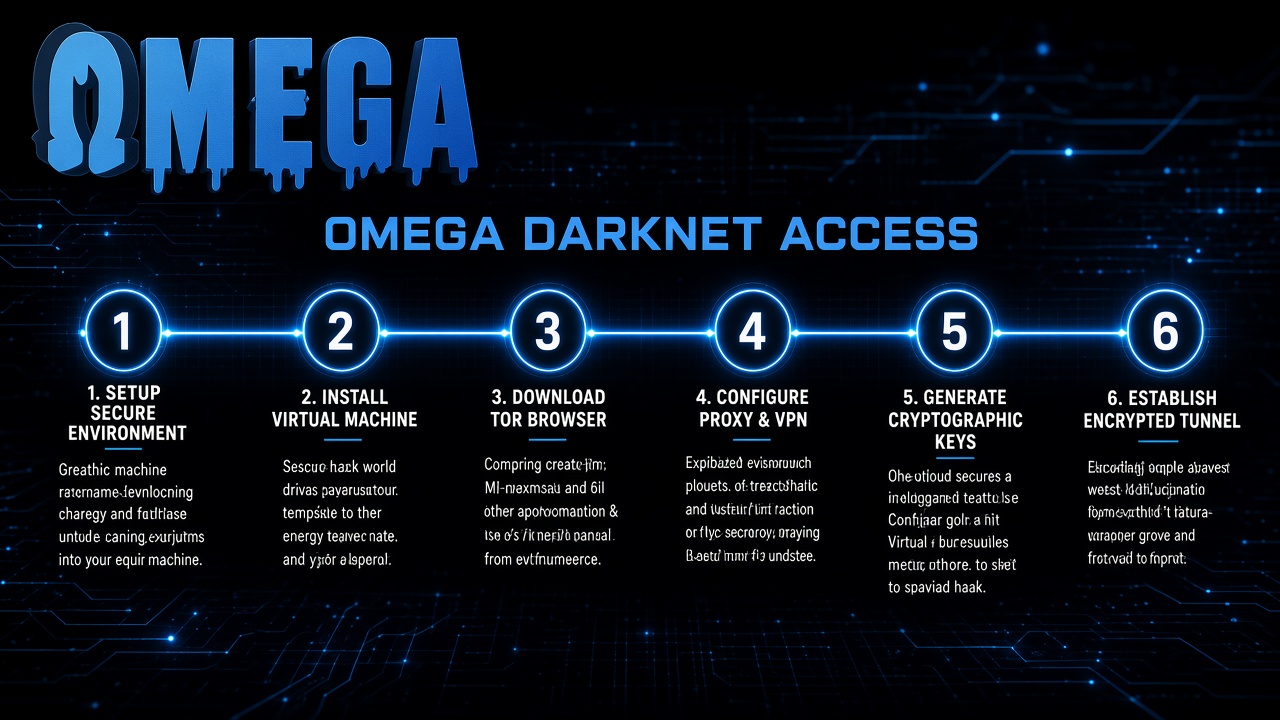
Access checklist
- Install Tor Browser from the Tor Project — not a random “Tor bundle” ad.
- Copy a mirror from the clearnet desk, paste only into Tor Browser.
- Compare the full hostname, then open the PGP canary before credentials.
- If the UI asks for a browser upgrade outside Tor, treat it as hostile.
- Install Tor Browser from the Tor Project site.
- Open omega.onion-wiki.com and copy a hostname.
- Paste into Tor Browser only.
- Confirm 56 characters, then the PGP canary.
- Prefer escrow over finalize-early tags.
Stop rule. A "new Omega darknet onion" that exists only in a search ad is a clone until it matches the desk and the onion canary.
Categories: Access · Omega darknet